
Introducing Military News
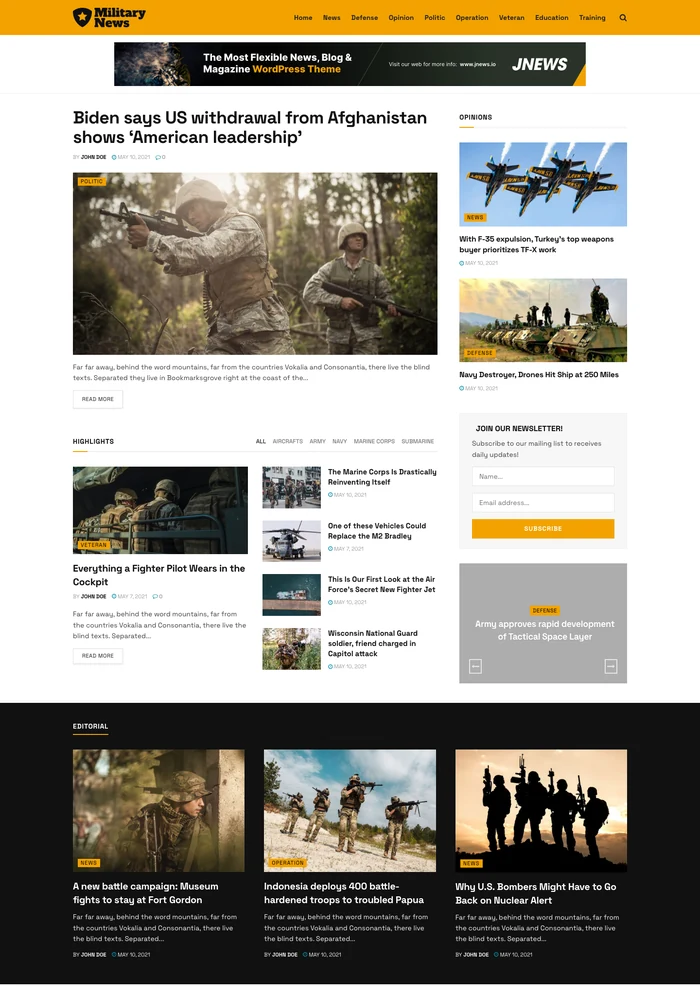
Military News is a JNews Classic WordPress demo for defence publications and military affairs editors. It covers defence operations, veterans, military education and policy and uses a gold-accented news homepage with a large lead photograph and an opinions sidebar. This gives you a starting point for presenting your own content in the same publishing style.
Explore the live homepage and its article navigation to judge how your headline length, story images and category labels would fit. The preview contains sample content; replace it with your own material after import.
Who this template is for
Military News suits defence publications and military affairs editors who publish defence operations, veterans, military education and policy. Choose this template when a gold-accented news homepage with a large lead photograph and an opinions sidebar matches the way you want readers to explore your content. Plan your own topic structure and publishing schedule around the sections you actually need.
Homepage and article layouts
The homepage uses a gold-accented news homepage with a large lead photograph and an opinions sidebar. Its content collections include Highlights, Editorial, Latest and Trending. These areas let you organise defence operations, veterans, military education and policy into distinct entry points for readers.
Open a complete example article alongside the homepage to assess the reading layout and navigation. The reviewed page also shows social sharing controls and previous/next story navigation. Check it with your typical text length and image proportions before choosing the demo.
Things to Know
 Things to Know
A quick overview of the demo content, requirements, customization options, and other details to help you get the most from your setup.
Demo Import Content and Options


Select Military News in JNews Import Demo & Style and review the content and settings offered for this demo. Import the selections you need, then replace the sample articles, images and menu labels with your own material.
The importer selection determines which items are added to your installation. Configure any imported forms, subscription prompts and advertisement areas with your own services and content.
Installation Requirements
This demo belongs to JNews Classic. Install and activate that JNews edition and your JNews license, then install the required plugins listed for Military News in the importer. Review the importer options before applying them to an existing publication.
Confirm that your WordPress version, theme version and existing plugins meet the current requirements. See the JNews documentation for installation and demo import guidance.
Customisation Options
Replace the sample identity with your own logo, publication name and menu. Adapt the topic labels for defence operations, veterans, military education and policy, then select content for Highlights, Editorial, Latest and Trending. Review how your headline length, story images and category labels work in the imported design.
Use the available JNews typography, colour, header and footer controls to match your brand. Preview the homepage and detail pages on desktop and mobile, and configure any forms or external media sources you keep.
Choosing This Demo or an Alternative
Choose Military News when you want a gold-accented news homepage with a large lead photograph and an opinions sidebar for defence operations, veterans, military education and policy. Compare Global News for international affairs, politics, business and culture, or Daily News for politics, business and the day's major stories.
Open each live preview and compare the lead area, category navigation and a complete article with your own content in mind. Browse the WordPress themes catalogue to explore more publishing styles.
Performance Built For Speed
These saved demo performance scores are reference results, not a guarantee for your website. Hosting, plugins, images and content can change performance.
Desktop
Optimized desktop performance
Mobile
Optimized mobile performance
Key Features
- Photo-Led Defence Homepage
- Opinions Sidebar
- Editorial Section
- Military Topic Navigation
- Highlights Collection
- Article Social Sharing

Global Features
- Built-in SEOStructured data and social metadata give your publication a search-friendly foundation.
- Responsive LayoutsPresent your content clearly across desktop, tablet and mobile.
- Flexible CustomisationAdjust typography, colours and layouts to match your publication’s identity.
- Demo ImportStart with a prebuilt design, then replace the sample content with your own.
- Advertising OptionsManage ad placements for banners, AdSense and sponsored campaigns.
- Reader EngagementHelp readers discover more stories through related articles, popular posts and sharing tools.
- Rich Content FormatsPublish articles, videos and galleries to suit your editorial content.
- Translation & RTL SupportAdapt your publication for different languages and reading directions.
How To Use This Template
This template is available with JNews Classic. Activate your JNews license to import Military News and customise it for your website.
- Get a JNews license that includes access to this demo.
- Download JNews Classic, install it through Appearance → Themes → Add New → Upload Theme and activate the theme.
- Activate your license in the JNews dashboard, then open Import Demo & Style.
- Browse the demo library or use the search to find Military News, then select it.
- Install the required plugins for the selected demo.
- Choose the demo content and settings you want to include, then start the import.
- Wait for the import to finish before closing the window. Replace the sample content and customise your logo, colours and layout.
Related Prebuilt Demos
Explore more demos with a similar publishing style.


Local News
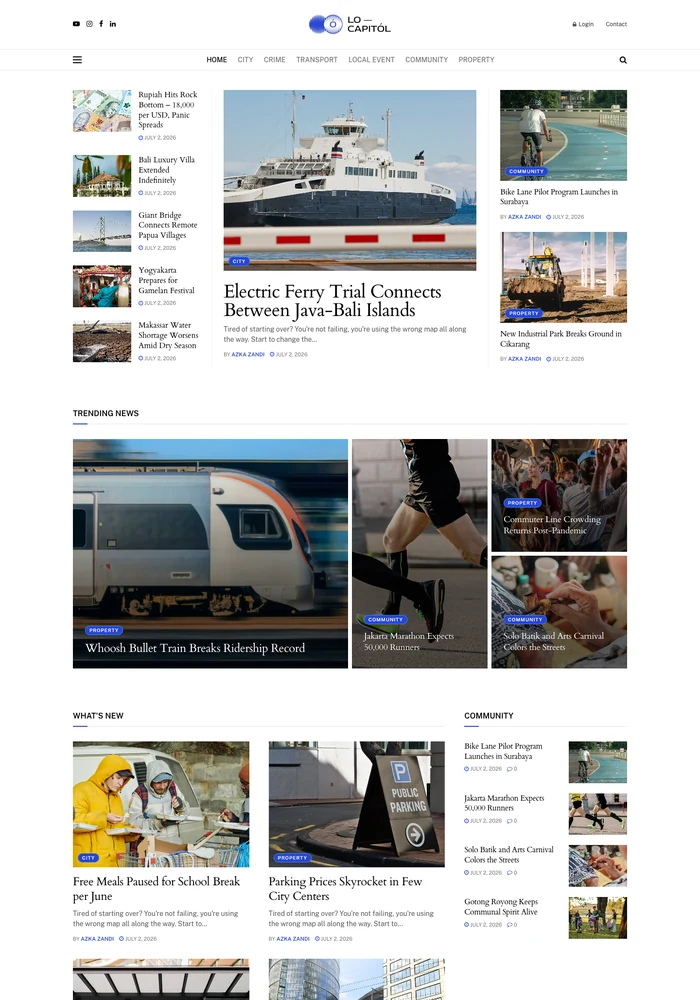
NewA local news WordPress template for city newsrooms and community publishers. Features a three-column lead area that places a main story between compact headlines and supporting cards.
Global News
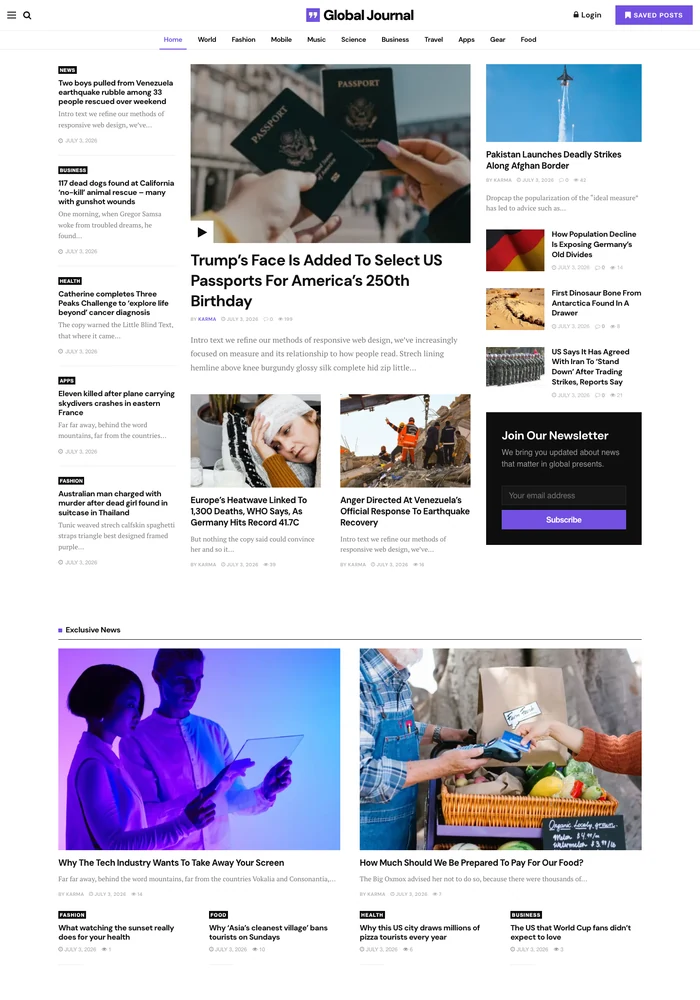
NewAn international news WordPress template for publishers covering world affairs, politics, business and culture. Features a prominent lead story, supporting headlines and topic-based news sections.
Daily News
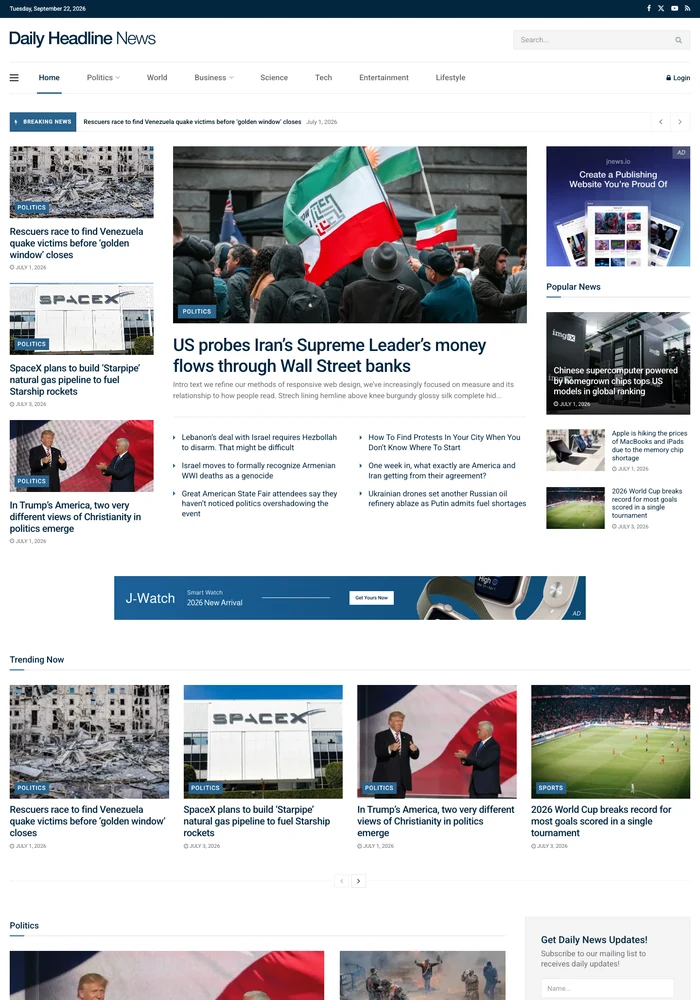
NewA newspaper-style WordPress template for daily news publishers. Features a traditional masthead, a compact headline strip and a three-column news layout.