
Video Blog & Magazine WordPress Themes
Compare JNews video blog and magazine designs for clips, series and visual storytelling. Explore Video Demo, PlayIt and StreamOn, and inspect the individual demos for the format you want to publish. The guide below explains how to choose a layout and plan your own media setup. Show MoreShow Less
Choose a layout for video discovery
A video publication needs recognisable thumbnails, clear titles and enough context to help viewers choose their next story. Compare Video Demo, PlayIt and StreamOn for video-led coverage. Watch News is also in this collection, but its reviewed subjects are watch brands and collecting, so inspect the actual preview when deciding whether it fits your publication.
Check the video reading experience
Preview a video page as well as the homepage. Check the surrounding headings and descriptions on mobile, and consider where captions or transcripts would appear. Verify hosting, streaming and player requirements separately for the services you intend to use.
Demos to compare for Video
Video Demo (Video) covers gaming, movies, sport, food and video-led stories. Its preview uses a dark-navigation homepage grouping featured videos into topic collections. Watch News (Watch) covers watch brands, product reviews and watch collecting. Its preview uses a restrained masthead with two featured images and dedicated review collections. PlayIt covers entertainment, gaming, how-to videos, movies and music. Its preview uses a featured-video grid beside a persistent left navigation area. Compare a complete article as well as the homepage, using the headline lengths and image proportions you expect to publish.
Import your chosen video design
Open the selected demo’s detail page and live preview before starting. Install the JNews edition and required plugins listed for that demo, activate your licence and use JNews Import Demo & Style to review the available selections. Back up an existing website before importing. Replace sample articles, images and navigation with your own material, and check any external forms or media services you intend to keep.
Make the publication your own
Use the available JNews typography, colour, header and footer controls to establish your publication’s identity. Adapt section labels to the video subjects you will cover regularly, rather than retaining every sample category. Review the homepage, a category archive and a complete article on mobile. Choose image crops and text sizes that suit your real content, then test navigation and related stories before launch.
Explore related collections: Video & Audio.
Showing 1–4 of 4 themes
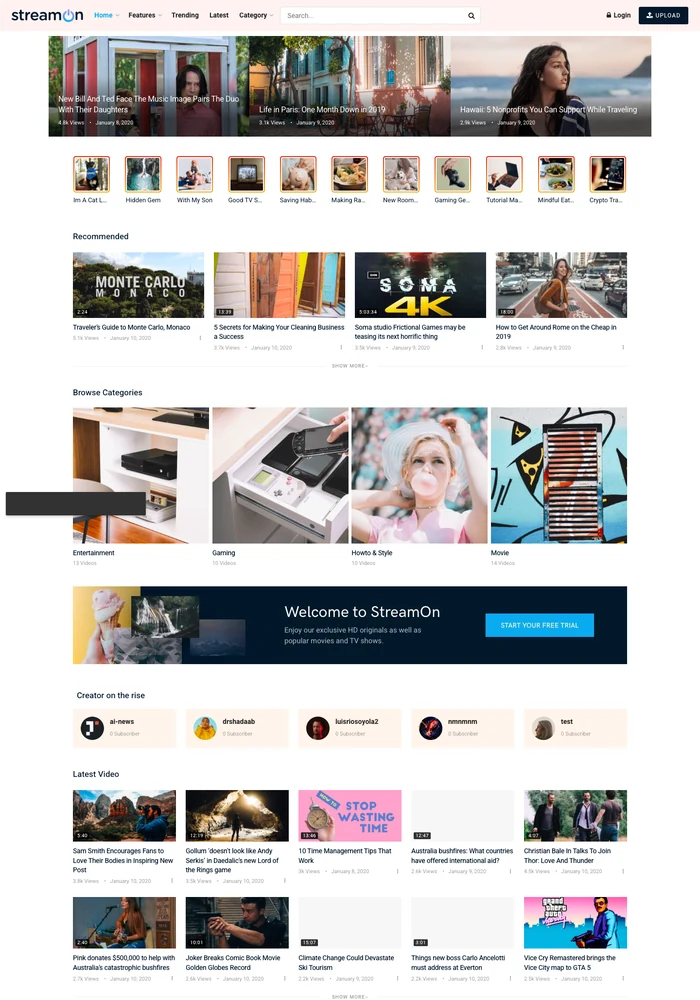

A video magazine WordPress template for video curators and entertainment publishers. Features a video-card homepage with avatar shortcuts and grouped recommendations.
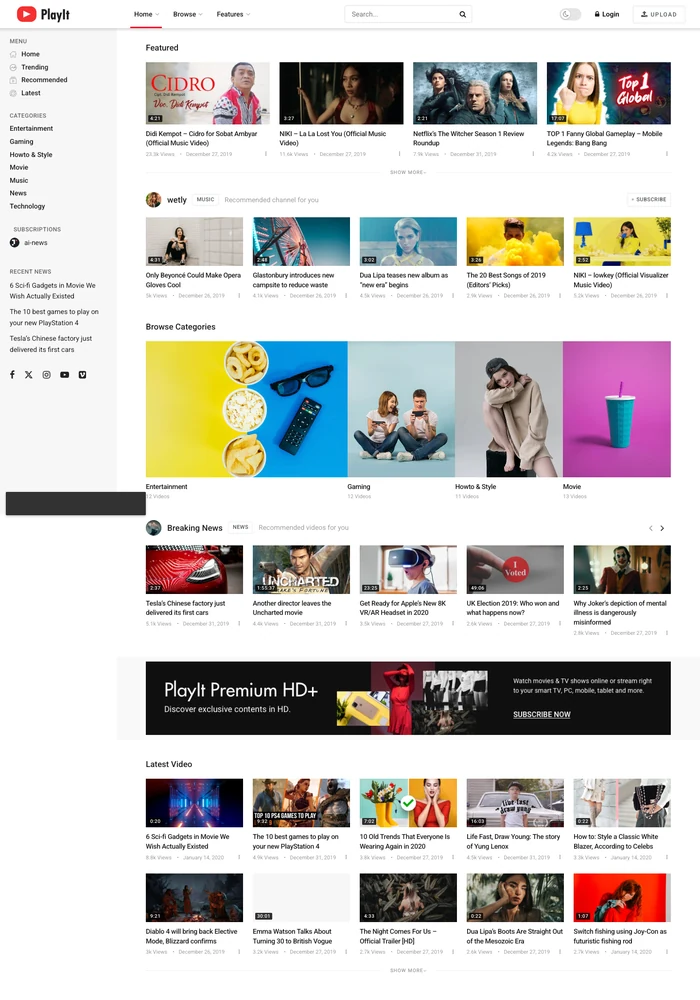
A video magazine WordPress template for video publishers managing multiple channels. Features a featured-video grid beside a persistent left navigation area.
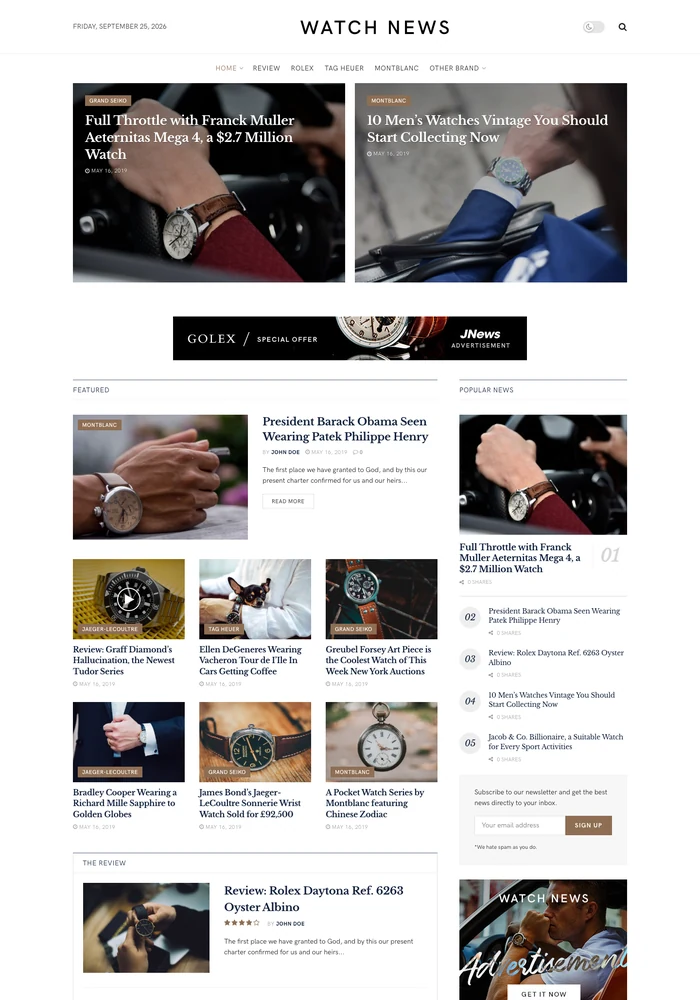
A watch review magazine WordPress template for watch reviewers and timepiece magazines. Features a restrained masthead with two featured images and dedicated review collections.
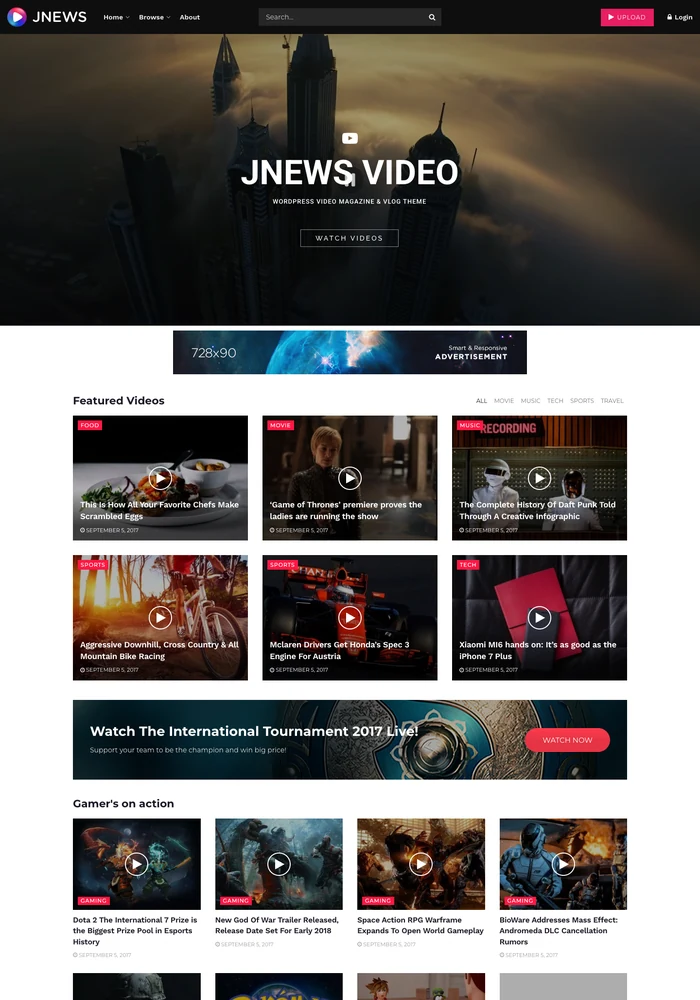
A video magazine WordPress template for video publishers covering entertainment. Features a dark-navigation homepage grouping featured videos into topic collections.
Join 29,815+ publishers already building with JNews.
From independent bloggers to high-traffic media companies, already chosen JNews to power their site.
JNews is the best blogging Theme for WordPress,with one-time fee This theme has everything you can possibly need for a blog, most of the features are simplest and really easy to learn.

Content Creator
I love the JNews theme. JNews enables you to create a good looking and highly converting news and blog website. Thanks to all the pre made templates,
you can have your own news and blog website up and running in no time.

Content Creator
Complete Solution for
News, Blog & Magazine Websites
That Perform
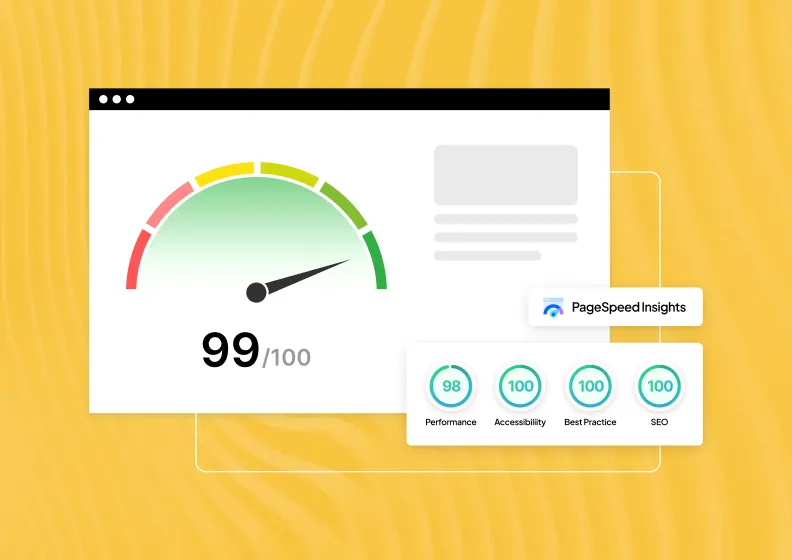
Speed & Performance
Every second of load time costs you readers and rankings. Core Web Vitals stay in the green, not just on a testing tool.
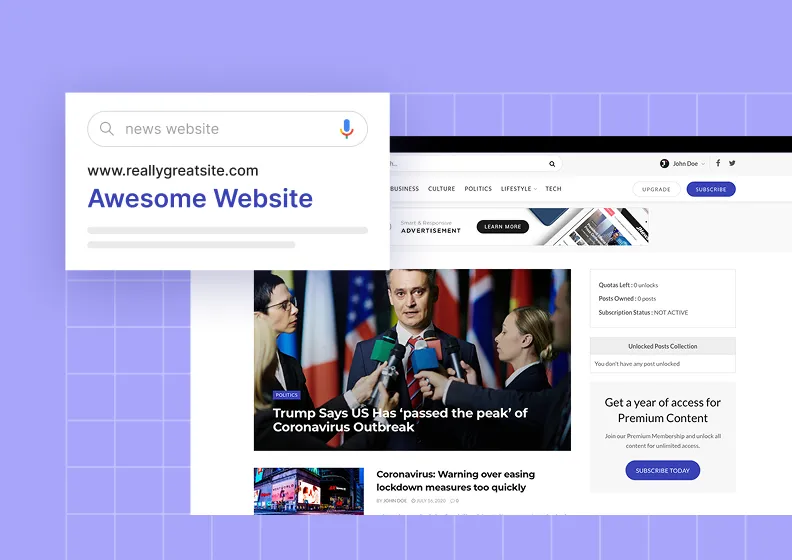
Native SEO
Structured data and clean schema markup get every post crawled and indexed from the moment it’s published.
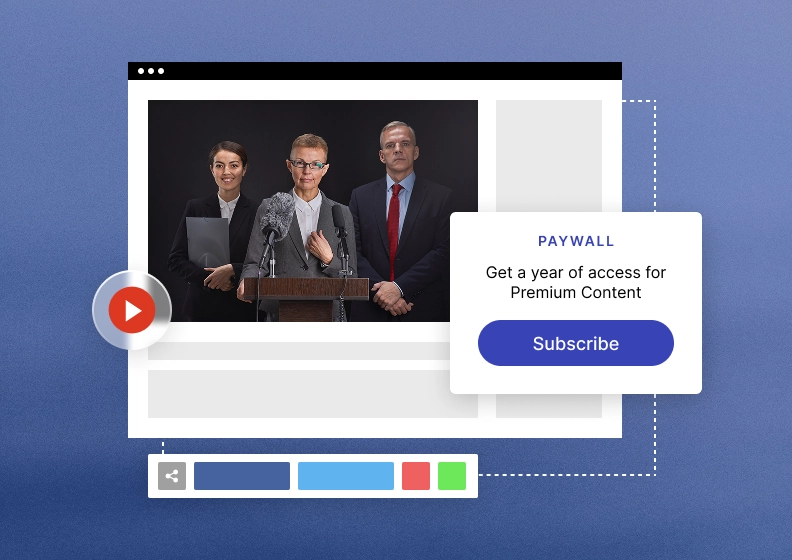
Monetization
Turn one website into multiple revenue streams, ads, subscriptions, affiliate, and sponsored posts, all native to the theme.
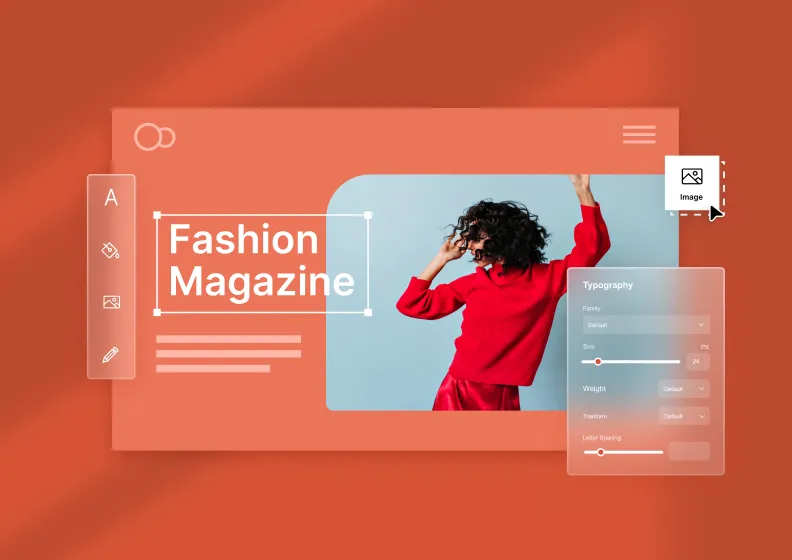
Design & Customization
Shape every part of your publishing site without touching a single line of code, from layouts & typography to colors and elements.
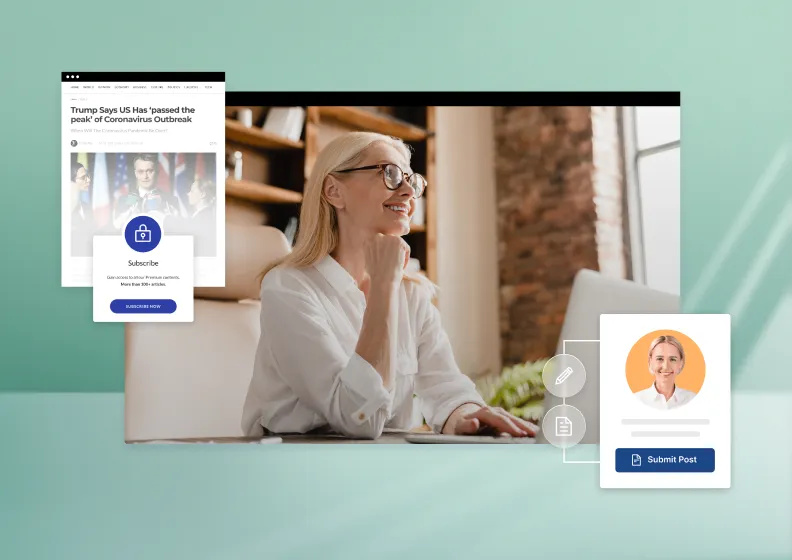
Publishing
Draft, schedule, and update content without leaving the editor. A faster workflow means more time for readers, less for admin.
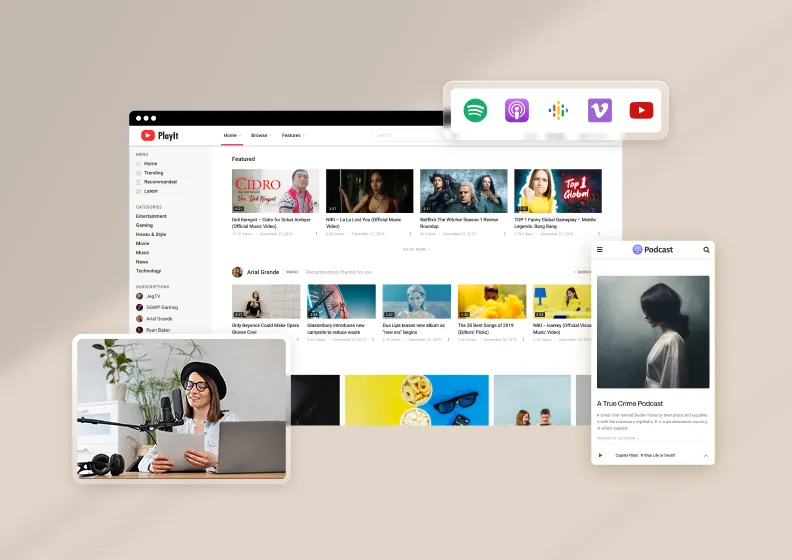
Rich Content Types
Go beyond articles with galleries, videos, podcasts, reviews, and recipes, each with its own dedicated layout.
Why Choose JNews
Top 6 Reasons Why You Should Use JNews
Frequently Asked Questions
Which demos should I compare for a video-led publication?


Video Demo (Video), PlayIt and StreamOn are the main video-oriented starting points. Watch News (Watch) is also listed here, but its reviewed content focuses on watches and collecting. Compare the actual previews to choose a layout that fits clips and video stories.
Can I publish video series with written descriptions?
Yes. Organise series and subjects with descriptive categories, and provide context around each clip. Compare the title, description and related-content layout on mobile, then test your chosen hosting and player setup independently.
Does a video demo provide streaming, subtitles or video hosting?
The design itself does not establish those services. Choose your media provider and verify playback, captions and delivery in the selected setup. Use the preview to judge how viewers discover videos and read the surrounding content.
How do I import a video demo into WordPress?
Choose the design and check its detail page for the JNews edition and required plugins. With your JNews licence activated, use Import Demo & Style to review and import the available selections. Back up an existing site first, then replace sample content and review your video categories and navigation.
Can I customise the colours, typography and layout?
Use the controls available in your selected JNews setup to change branding, typography, colours, headers and footers. Start with Video Demo (Video) or another demo in this collection and adapt its section labels and images. Check the demo’s own requirements before choosing an editing workflow.
What should I compare before choosing a video theme?
Open the homepage, a category archive and a full article in the live preview. Test your usual headline lengths, image proportions and amount of text, including mobile navigation. Compare Video Demo (Video), Watch News (Watch), PlayIt with your own publishing plan rather than judging only the sample photographs.